7 Security Risks of Keeping Old Computers in Your Office
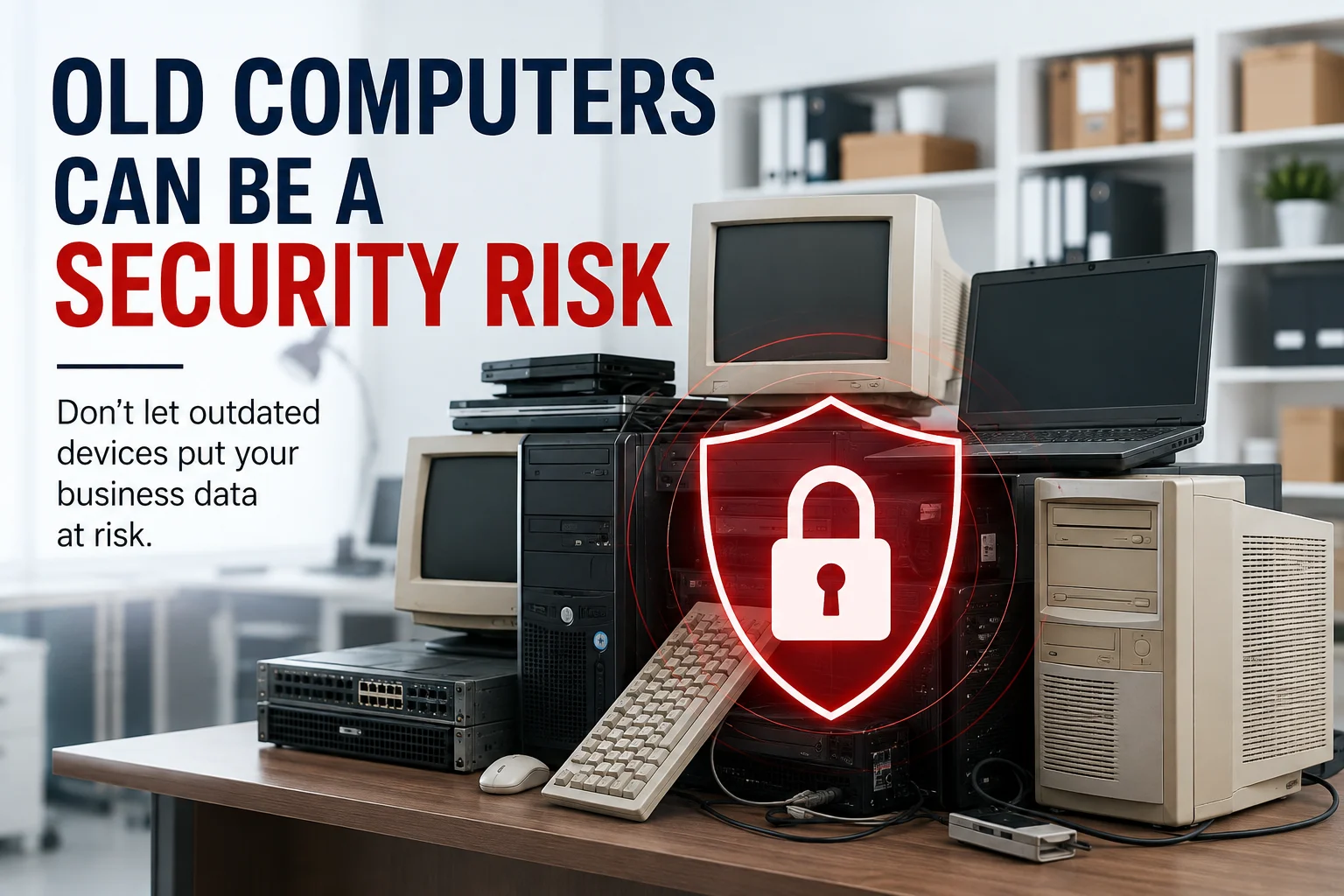
Yes, keeping old computers in your office can create security risks even when the devices are no longer being used. Retired computers, laptops, servers, and hard drives may still contain sensitive business information, while outdated equipment can also create physical security, storage, and accountability problems.
Many businesses replace their computers and move the old equipment into a storage room with the intention of dealing with it later. The problem is that “later” can turn into months or even years. During that time, the equipment remains in the business’s possession, along with whatever information may still be stored on it.
The Problem With Leaving Old Computers in Storage
The biggest problem is that retired equipment does not automatically become risk-free just because it has been unplugged.
A computer sitting in a storage room may look harmless, but its hard drive or other storage device can still contain business information. Employees may assume the equipment is no longer important, while nobody is specifically responsible for securing or disposing of it.
Over time, businesses can also lose track of:
- Which employee or department owned the device
- What information was stored on it
- Whether the data was securely removed
- How long the equipment has been sitting unused
- What should eventually happen to the equipment
That creates an avoidable gap between retiring a device and securely completing its lifecycle.
1. Old Computers Can Still Contain Sensitive Business Data
An unused computer can still contain valuable information because powering it off does not remove the data stored on its drive.
Depending on how the device was used, an old computer may contain:
- Business documents
- Customer information
- Employee records
- Emails and attachments
- Financial information
- Saved credentials
- Internal files
- Proprietary business information
A computer does not have to be connected to the internet to present a data-security concern. If someone gains physical access to the device and the storage media has not been properly sanitized or destroyed, the information may still be accessible.
The EPA recognizes data security as an important consideration when electronics are collected, transported, stored, and recycled.
2. Deleting Files Doesn’t Necessarily Make Old Data Disappear
Deleting files or formatting a drive should not automatically be treated as proof that sensitive data has been securely removed.
When a business retires a computer, someone may simply delete the files, empty the recycle bin, or perform a basic reset before putting the device into storage.
The problem is that these actions are not necessarily the same as following a documented data-sanitization or physical-destruction process appropriate to the situation.
For data-bearing equipment, businesses should know what method was used to remove the information and whether there is documentation showing that the process was completed.
When physical destruction is required, a dedicated hard-drive destruction process can permanently destroy the storage media rather than leaving the drive intact.
- Old Equipment Creates a Physical Security Problem Too
The risk is not only what is stored on an old computer; it is also who can physically access the device.
Old equipment is often moved into:
- Storage rooms
- Back offices
- Supply closets
- Server rooms
- Unsecured areas
- Boxes waiting for disposal
The longer equipment remains there, the easier it can become to forget about it.
The EPA’s electronics-recycling standards research identifies protection of data from theft or loss during collection, transportation, and onsite storage as an important security consideration.
For a business, this means secure retirement should not begin only when the equipment finally leaves the building. Control of the equipment matters while it is still waiting for its next step.
4. Reusing Outdated Equipment Can Create New Security Problems
Keeping an old computer “just in case” can also become a problem if someone later puts it back into active use without properly preparing it.
Older computers and network equipment may have outdated operating systems, unsupported software, unpatched vulnerabilities, or old security configurations.
A business may think:
“We already own this computer, so we can use it temporarily.”
But reconnecting outdated equipment to a business environment without reviewing its security can introduce unnecessary vulnerabilities.
That does not mean every old computer must immediately be destroyed. Some equipment may have legitimate reuse or refurbishment potential.
The important point is that reuse should be a deliberate decision, not the result of forgotten equipment sitting in storage until someone needs it.
5. Retired IT Equipment Can Become an Accountability Problem
If nobody knows what happened to a retired device, the business may have a documentation problem as well as a security problem.
Consider a company that replaces 50 computers over several years. If the old equipment simply accumulates in a storage room, it can become difficult to answer basic questions:
- Which devices have been retired?
- Which ones contain storage media?
- Has the data been removed?
- Which equipment was recycled?
- When was it processed?
- Is there documentation of destruction or recycling?
Responsible electronics recycling standards place importance on data-security procedures, documentation, and records because secure disposition is more than simply taking unwanted equipment away.
For businesses, having a clear retirement process makes it easier to maintain control over equipment from retirement through final disposition.
6. Old Equipment Also Takes Up Valuable Office Space
Security is not the only reason to stop storing retired equipment indefinitely.
Old computers, monitors, servers, printers, and networking equipment can quickly turn a useful storage area into a pile of equipment nobody wants to deal with.
That can mean:
- Less usable storage space
- More clutter
- Harder equipment tracking
- More difficult office cleanouts
- More equipment accumulating over time
Keeping equipment temporarily can make sense when a business has a clear reuse, donation, or disposal plan.
The problem begins when storage becomes the default final destination.
7. Delaying Equipment Disposal Makes the Problem Harder to Manage
The longer retired equipment sits without a clear plan, the easier it becomes to lose track of what it contains and what should happen to it.
A few unused computers can quickly become dozens of devices after several employee upgrades, office moves, or hardware replacements.
At that point, businesses may have to identify equipment, determine which devices contain data, organize pickup, and reconstruct records that could have been handled much earlier.
A defined retirement process prevents old IT equipment from becoming a forgotten pile of assets.
What Should a Business Do With Retired Computers?
A business should move retired equipment through a defined lifecycle instead of leaving it indefinitely in storage.
A practical process can look like this:
1. Identify the equipment
Separate computers, laptops, servers, hard drives, networking equipment, monitors, and other electronics that are no longer needed.
2. Identify data-bearing devices
Determine which equipment contains storage media and may hold sensitive business information.
3. Decide whether equipment will be reused or retired
Not every old device automatically needs destruction. If equipment is suitable for legitimate reuse, that should be handled through a controlled process.
4. Securely handle the data
Data-bearing equipment should go through an appropriate sanitization or destruction process before final disposition.
5. Keep appropriate records
Businesses should retain documentation relevant to the equipment’s final disposition, particularly when sensitive data is involved.
The EPA recommends that businesses and other large purchasers consider certified electronics recyclers and notes that recognized recycling standards address environmental, worker-safety, and security practices.
When Should Old Computers Be Removed From Storage?
If a computer has been retired and there is no clear reason to keep it, it is worth putting it through a defined disposition process instead of letting it accumulate.
It is especially worth reviewing equipment when:
- A replacement computer has already been deployed
- Employees have left and returned devices
- An office is moving or being cleaned out
- Old servers have been decommissioned
- Storage rooms are filling with retired equipment
- Nobody knows whether the equipment contains business data
- Equipment has been sitting unused for months
A simple rule can help:
If the business no longer has a clear operational reason to keep the equipment, it should have a clear next step.
A Safer Way to Retire Old Office Equipment
The safest approach is to treat retired IT equipment as part of the business’s asset and data-security lifecycle—not as something to forget in a storage room.
Once equipment is ready for retirement, businesses can arrange secure collection and ensure data-bearing devices receive the appropriate destruction or sanitization treatment before the remaining electronics move through responsible recycling.
Complete PC World provides electronics recycling and secure data-destruction services for organizations across the DFW Metroplex.
For data-bearing drives that require physical destruction, visit our Hard Drive Destruction Service.
For businesses preparing old office equipment for collection, see our Old Office Electronics Pickup Guide.
Final Takeaway
Old computers are not automatically harmless just because they are no longer in use. They may still contain sensitive information, create physical-access concerns, consume valuable storage space, and become difficult to track when businesses postpone their final disposition.
The better approach is simple: identify retired equipment, protect the data it may contain, decide whether it should be reused or retired, and document what happens next.
That way, old IT equipment stops being a forgotten risk and becomes a properly managed part of the business’s asset lifecycle.